
Choosing the right Power Supply Unit (PSU) is often the most overlooked part of building a gaming PC. While a flashy GPU or a fast CPU gets all the glory, the PSU is the “heart” of your system. If it fails or provides inconsistent power, it can take your expensive components down with it.
Calculating your power needs isn’t just about matching a single number; it’s about understanding draw, efficiency, and future-proofing. Here is how to calculate exactly what you need.
1. Identify Your Core Power Draw
The two components that consume the vast majority of power in a gaming PC are the Graphics Card (GPU) and the Processor (CPU).
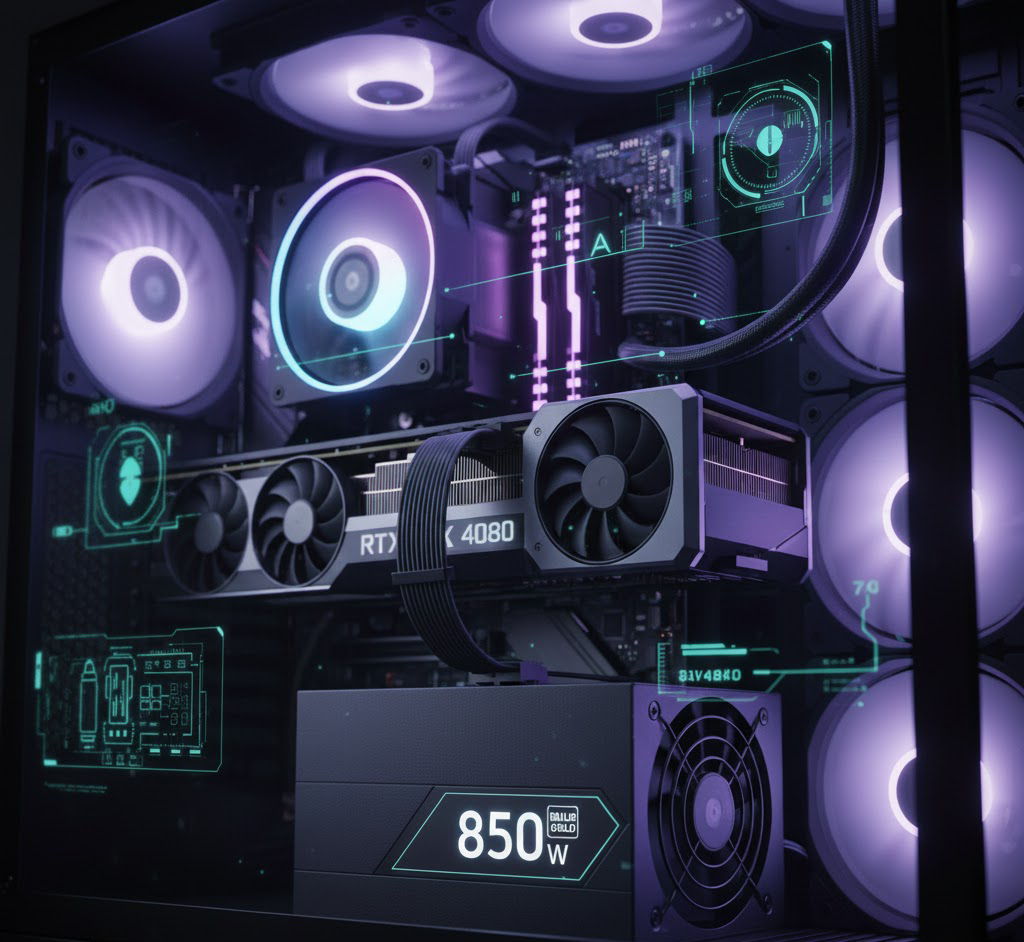
- GPU: Modern high-end cards (like an RTX 4080 or RX 7900 XTX) can pull anywhere from 250W to 450W on their own.
- CPU: A gaming-grade CPU (like an i7 or Ryzen 7) typically pulls 65W to 150W, though high-end chips can push past 250W under heavy load.
- The Rest: Motherboards, RAM, SSDs, and fans are relatively low-draw. Budget approximately 50W to 75W to cover these miscellaneous components.
Use a PSU Calculator
For a precise estimate, use a reputable online calculator. These tools stay updated with the latest component power specs:
- PCPartPicker (Automatically calculates wattage as you build your list)
- OuterVision PSU Calculator
- Be Quiet! PSU Calculator
2. Apply the “1.5x Rule” for the Sweet Spot
You should never buy a PSU that exactly matches your calculated wattage. If your system is estimated to pull 450W, buying a 450W PSU is a mistake.
Power supplies are most efficient and run coolest when they are under 50% to 80% load. Additionally, modern GPUs are known for “transient spikes”—microsecond-long bursts of power that can double the card’s rated draw and trip the protections on an undersized PSU.
The Formula:
Total System Wattage * 1.5 = Recommended PSU Wattage
Example: If PCPartPicker tells you your build needs 400W, you should look for a 600W or 650W unit. You should also give yourself a little extra room.
3. Understanding 80 Plus Efficiency Ratings
While the wattage tells you how much power the PSU can deliver, the efficiency rating tells you how much it pulls from your wall outlet to get there.
- 80 Plus Bronze: 82%–85% efficient. Good for budget builds.
- 80 Plus Gold: 87%–90% efficient.5 The “Gold standard” for most gaming PCs.
- 80 Plus Platinum/Titanium: 90%+ efficient. Best for high-end workstations or systems that run 24/7.
Higher efficiency means less power is wasted as heat, leading to a quieter fan and a slightly lower electricity bill. Personally I would never use a Bronze and in all my builds have went with a Platinum!
4. Check the +12V Rail
When looking at the sticker on a PSU, look for the +12V rail. In modern PCs, almost all critical components (CPU and GPU) run off this rail. A high-quality PSU will provide almost its entire rated wattage on the +12V rail alone. If a “600W” PSU only offers 450W on the +12V rail, it is a low-quality unit and should be avoided.
5. Don’t Forget the Connectors
Calculation isn’t just about wattage; it’s about physical compatibility.
- ATX 3.0 / PCIe 5.0: If you are buying a high-end Nvidia 40-series card, look for a PSU that is ATX 3.0 certified. These include the native 12VHPWR cable, removing the need for clunky (and sometimes risky) adapters.
- Modular vs. Non-Modular: While this doesn’t affect power, Fully Modular PSUs allow you to plug in only the cables you need, which is essential for airflow and cable management in smaller cases.